How to Reset Topstep Account and Avoid Common Mistakes
Resetting your Topstep account can save you from starting over after breaking a rule or hitting the Maximum Loss Limit. This guide explains what a reset means, when to use it, step-by-step instructions, fees, and tips to avoid unnecessary resets. Mastering this process helps you trade more efficiently and protect your budget.
What does resetting a Topstep account mean?
Resetting a Topstep account restores it to its original starting balance, resets the Maximum Loss Limit, Consistency Target, and clears all days traded. This gives traders a fresh start without opening a new subscription. It’s a practical tool for maintaining eligibility and improving trading discipline.
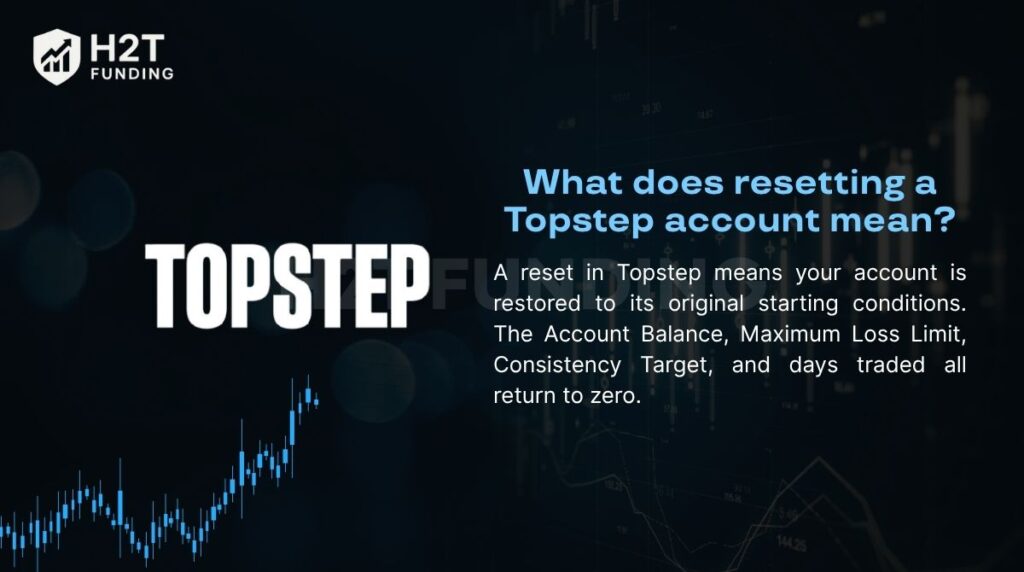 |
| What does resetting a Topstep account mean? |
When do you need to reset your Topstep account?
You need a reset when your Trading Combine becomes ineligible, usually after hitting the Maximum Loss Limit. Traders may also reset voluntarily to reorganize strategies or correct messy trade histories. Technical issues, such as login failures or platform errors, may require resets as well. Understanding these triggers helps avoid unnecessary account interruptions.
How to reset a Topstep account (step-by-step guide)
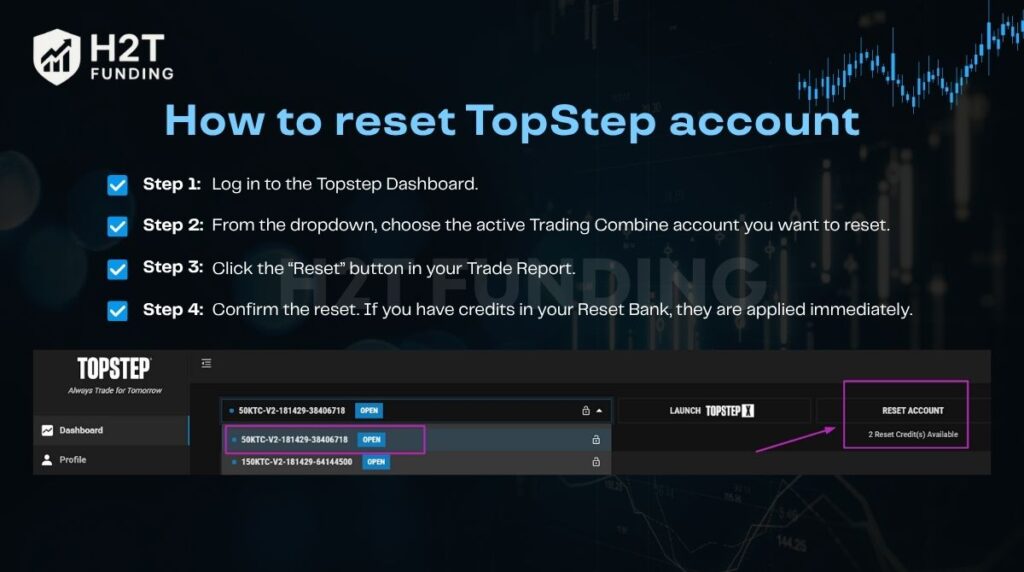 |
| How to reset TopStep account (step-by-step guide) |
Reset Topstep Evaluation Account
-
Log in to the Topstep Dashboard.
-
Select the active Trading Combine account.
-
Click the “Reset” button in your Trade Report.
-
Use Bankable Reset credits if available or pay the reset fee.
Reset the funded account
Funded accounts require contacting Trader Support. They will check account balance, payout rules, and confirm if a reset is possible. Express Funded Accounts can use Back2Funded up to two times for reactivation.
Troubleshooting login or platform issues
Update passwords or reinstall platforms first. Support staff can manually reset platform access if needed.
Reset fees and rules you should know
Reset costs vary by account size: 50K = $49, 100K = $99, 150K = $149. All payments are non-refundable. Live Funded Accounts cannot reset; Express Funded Accounts may reactivate under Back2Funded rules. Resets on the new dashboard extend subscription billing by 30 days, unlike the legacy system.
Tips to avoid resetting too often
-
Risk management: Keep trades at 1–2% of account size.
-
Trade journal: Track every trade to spot patterns and adjust strategies.
-
Practice on demo accounts: Gain confidence before another evaluation to reduce costly resets.
Preventing unnecessary resets saves money and strengthens trading discipline.
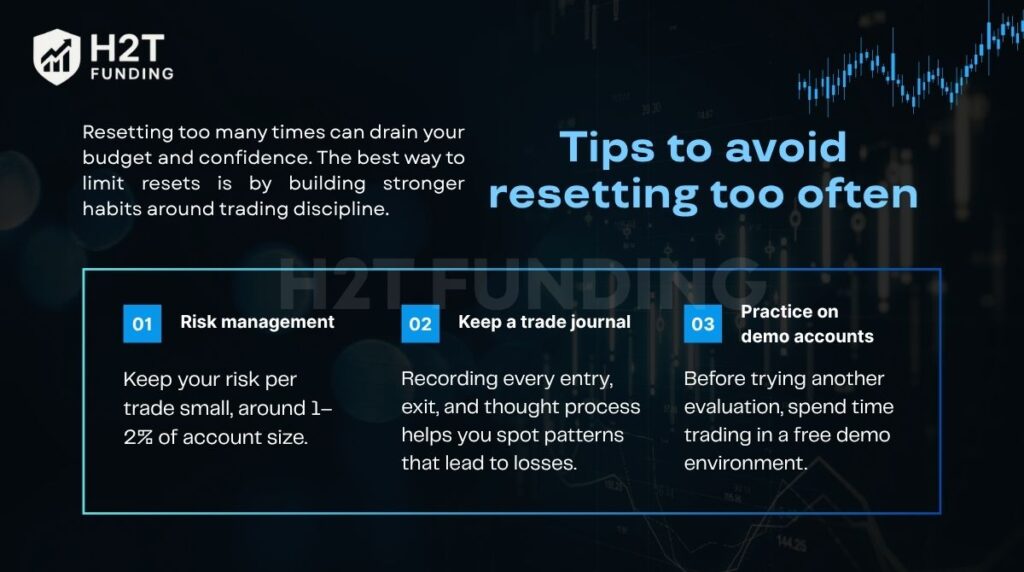 |
| Tips to avoid resetting too often |
Important notes about the reset policy
-
Legacy vs new dashboard affects billing date adjustments.
-
Funded accounts have stricter reset rules.
-
Bankable Reset credits accumulate and never expire.
-
Free resets may be offered through promotions, but availability is limited.
-
TopstepX platform is required for all resets starting August 1, 2025.
Conclusion
Knowing how to reset Topstep account gives traders a safety net without starting from scratch. Focus on disciplined trading habits and effective risk management to reduce reliance on resets and reach funded accounts efficiently. Discover more strategies at H2T Funding.
Read more: https://h2tfunding.com/how-to-reset-topstep-account/
#funding #h2tfunding #nganpham #finance #howtoresettopstepaccount #nganphamh2t


Nhận xét
Đăng nhận xét